
Your instrument, always in view
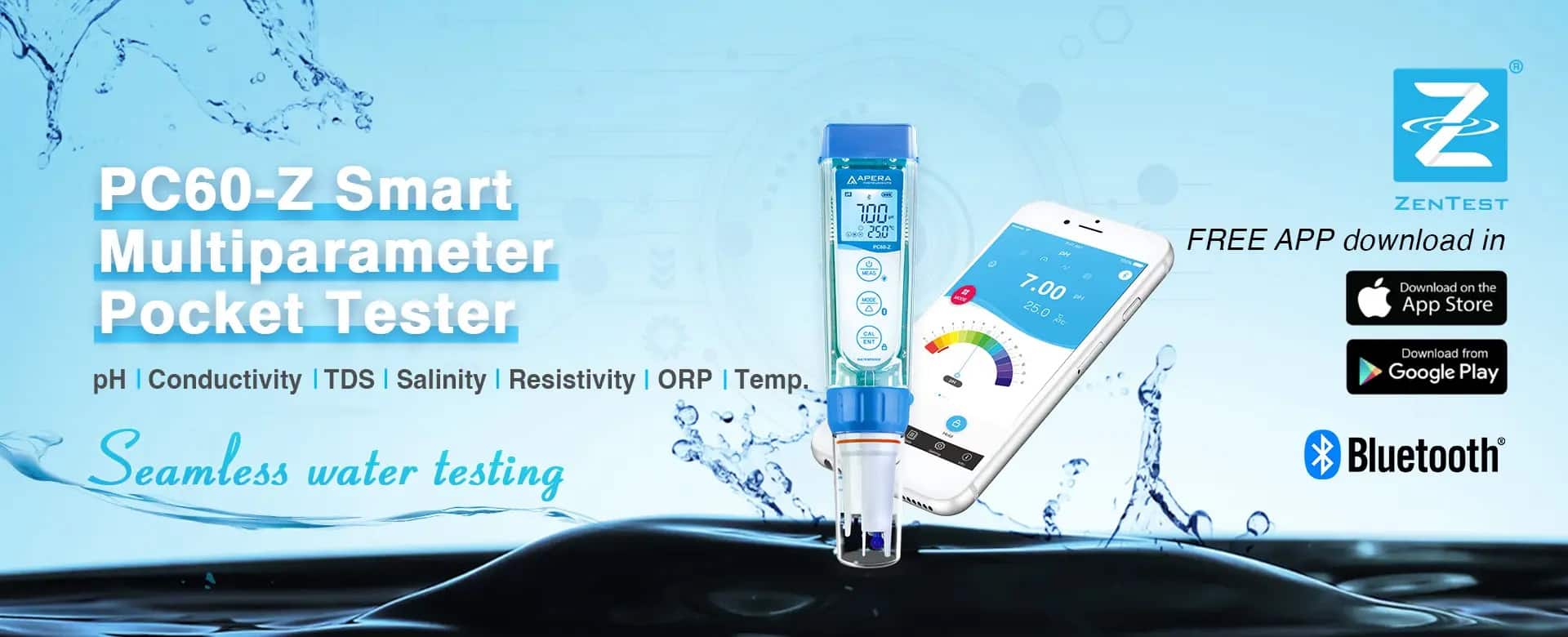
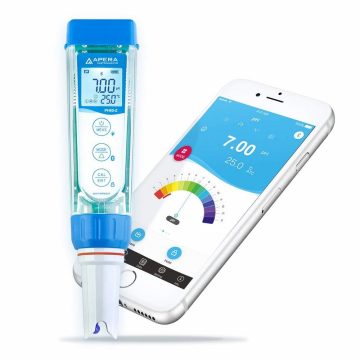
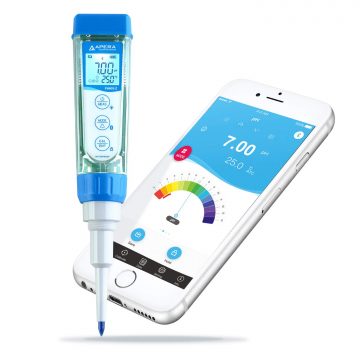
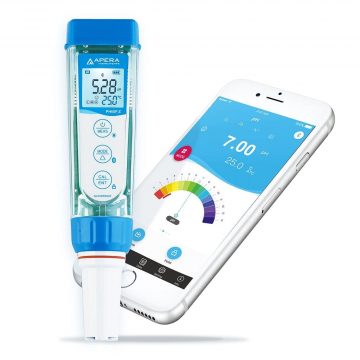
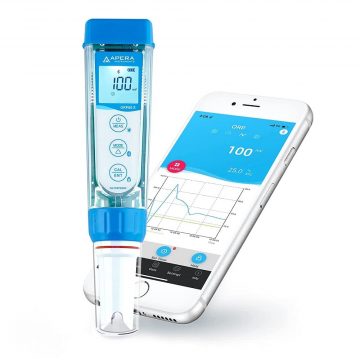
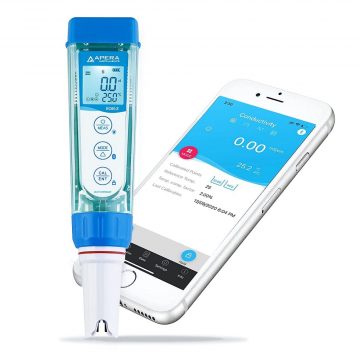
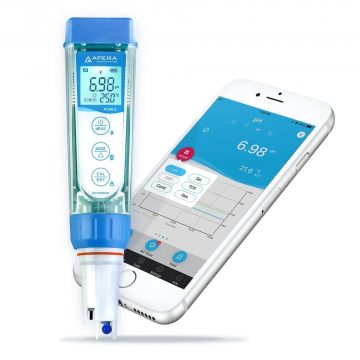
The ZenTest app connects your smartphone via Bluetooth to compatible Apera Z-Series meters. This lets you keep track of readings, calibration, and device settings anytime, right on your phone’s display.
Whether in the lab, on the production line, or out in the field: the app lets you read, document, and export measurement data in real time, without any additional device.


No smartphone on hand? The meters also work as standalone testers with full functionality – battery-powered with up to 500 hours of runtime.
Everything you need for your measurement
From the first calibration to the final analysis, the app guides you through every step.
Wireless connection to compatible Z-Series meters established in seconds.
Simple, dial, graph, and table mode – suited to every application.
Automatic reminder as soon as a device is due for a new calibration.
Store readings securely, access, export, and share them anytime.
Start measurements and adjust device settings directly from your smartphone.
Manage multiple meters at once and compare readings directly.
Ready to go in three steps
Download the app from the store and connect it to your meter via Bluetooth.
Track readings live in real time on your smartphone display.
Document your data, export it, and share it with your team.
Works with the entire Z-Series
The ZenTest app supports all Apera Z-Series pocket testers.

How to Connect to ZenTest and Perform a Sample Test
Explained step by step: how to connect your meter to the ZenTest app via Bluetooth and run your first measurement right away.
Download for Free Now
Scan the QR code or download directly from the respective store. The app is available for free on iOS and Android.